The Day I Accidentally Overwrote My Best Prompt
I spent two hours crafting a prompt for a client deliverable. It was producing exactly the kind of output they needed. Then I tried a small tweak, didn't like it, and hit "save" instead of "save as." My perfect prompt was gone. No version history, no backup, just... gone.
That's when I started taking prompt management seriously. The more I use AI in actual work, the more I realize prompts are code—they need version control, testing, and documentation. The difference is that most code tools have Git, but prompts were stuck in notes apps and screenshots.
I have over 200 prompts now. Some for specific clients, some for internal workflows, some for experiments. Without a system, I'd have no idea which version of which prompt I used for which deliverable. Prompt Lab exists because I needed what I'm describing.
Version Control for Prompts
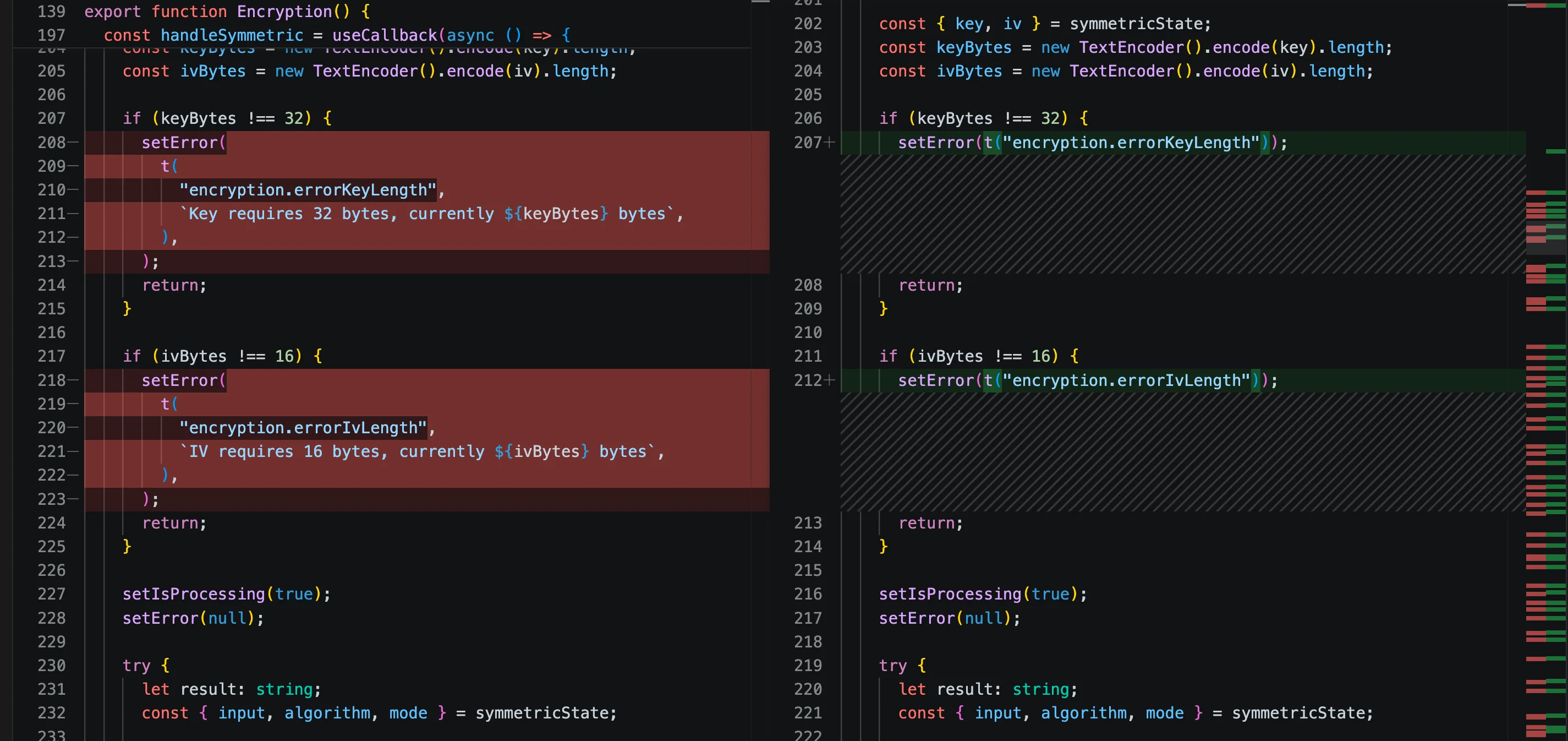
Every save creates a new version with optional notes about what changed. You can view history, compare versions side-by-side, and revert when an experiment doesn't work out. This sounds obvious for code, but for prompts it's novel.
The visual diff is the killer feature. When you change "Write an email" to "Write a professional email," you can see exactly what difference that word made in the output. Small prompt changes often have big effects, and without seeing them side by side, you don't understand what's actually driving quality.
prompt-v3-final.txt files across my desktop. Version control was nonexistent.For teams, this is even more valuable. Everyone can see which prompt version is production, what the experimental branch looks like, and who changed what. No more "which prompt are we actually using?" confusion.
Export for Any Platform
This is the part that surprised me about prompt management. Each AI provider uses a different API format:
- OpenAI uses message arrays with roles (system, user, assistant)
- Anthropic has similar concepts but different parameter names and structures
- Google Gemini uses contents arrays with a completely different model
When I export a prompt, I want it in the format my project uses. Copying between formats introduces errors—missing quotes, wrong parameter names, forgotten system messages. The export feature handles the translation so I can use the same prompt source across different AI providers.
Local-First Design
Everything stays in your browser. No servers, no accounts, no cloud dependency. This was important to me because I use prompts in production workflows where reliability matters. If I'm building an AI-powered feature for a client, I need to know my prompt management tool will still work in a year, not that it depends on some startup staying alive.
The flip side is that your prompts are only on your device. For personal use, that's fine. For team collaboration, you'll need to think about how to sync. I use it solo mostly, so local-first made sense for my use case.
Prompt Engineering Best Practices
A few things I've learned about managing prompts at scale:
Name for searchability."Good prompt" is a terrible name. "Q3-client-email-template-v2" is findable. Invest time in naming conventions.
Document why, not just what.Notes should explain why a prompt works, not just what it does. "Use for technical documentation requiring API context" is more useful than "Tech docs prompt."
Test prompts in isolation.When you change a prompt, test it with the same inputs you used before. Otherwise you can't tell if the output got better or worse.
Version production prompts. If a prompt is live in an application, lock it to a version and only update deliberately. Treat it like any other production dependency.
When to Build vs Buy
There are now enterprise prompt management platforms with team features, API integrations, and analytics. For large teams doing serious AI product development, those tools probably make sense.
For solo developers and small teams, a simple local tool works fine. You don't need the enterprise features until you're managing prompts across dozens of people with different permission levels and compliance requirements.
Start simple. Get value from version control and experimentation tracking. Graduate to more sophisticated tools when you hit the limits of what a simple tool can do.
Prompt Lab Philosophy
I built this tool for myself, then decided to share it. The philosophy is local-first and minimal: prompts stay on your device, no subscription required, no vendor lock-in. What you create is yours.
If you find it useful, great. If you need something more sophisticated, look at the enterprise tools. The market is developing fast and there are good options at every level of complexity.
Written by Bai Shuang, a full-stack engineer with 16 years of Java/JavaScript experience, 10 years of Scala, and 8 years specializing in privacy-focused tools.
GitHub: @oldbig. Open source project: redux-lite - A lightweight React state management solution.