The Friday 11pm Call That Made Me Quit a Job
I once worked at a company with teams in Tokyo, San Francisco, and Berlin. Scheduling was a nightmare. I'd get invites for Friday 11pm calls because someone in spreadsheet-land found a 30-minute window. I started declining everything that required me to check if I was awake.
Tokyo and San Francisco share maybe 2-3 hours where both sides are awake and it makes sense to schedule something. That's not much wiggle room. When you're also trying to include Berlin, forget it—someone's always miserable.
I built this tool because I kept burning time manually checking overlaps when scheduling calls. The heatmap makes it obvious where the problems are. Add your team, set their timezones, see immediately where you can actually schedule without making someone's evening miserable.
Reading the Heatmap
Green blocks mean everyone is in their set working hours—safe zone for meetings. Yellow means some people are outside their window. Red means someone is being asked to attend outside their normal hours.
The default colors match what works in practice, but you can adjust working hours for each person. Not everyone keeps 9-5 schedules. The engineer who starts at 10am and works late has different overlap needs than the morning person who leaves at 5pm.
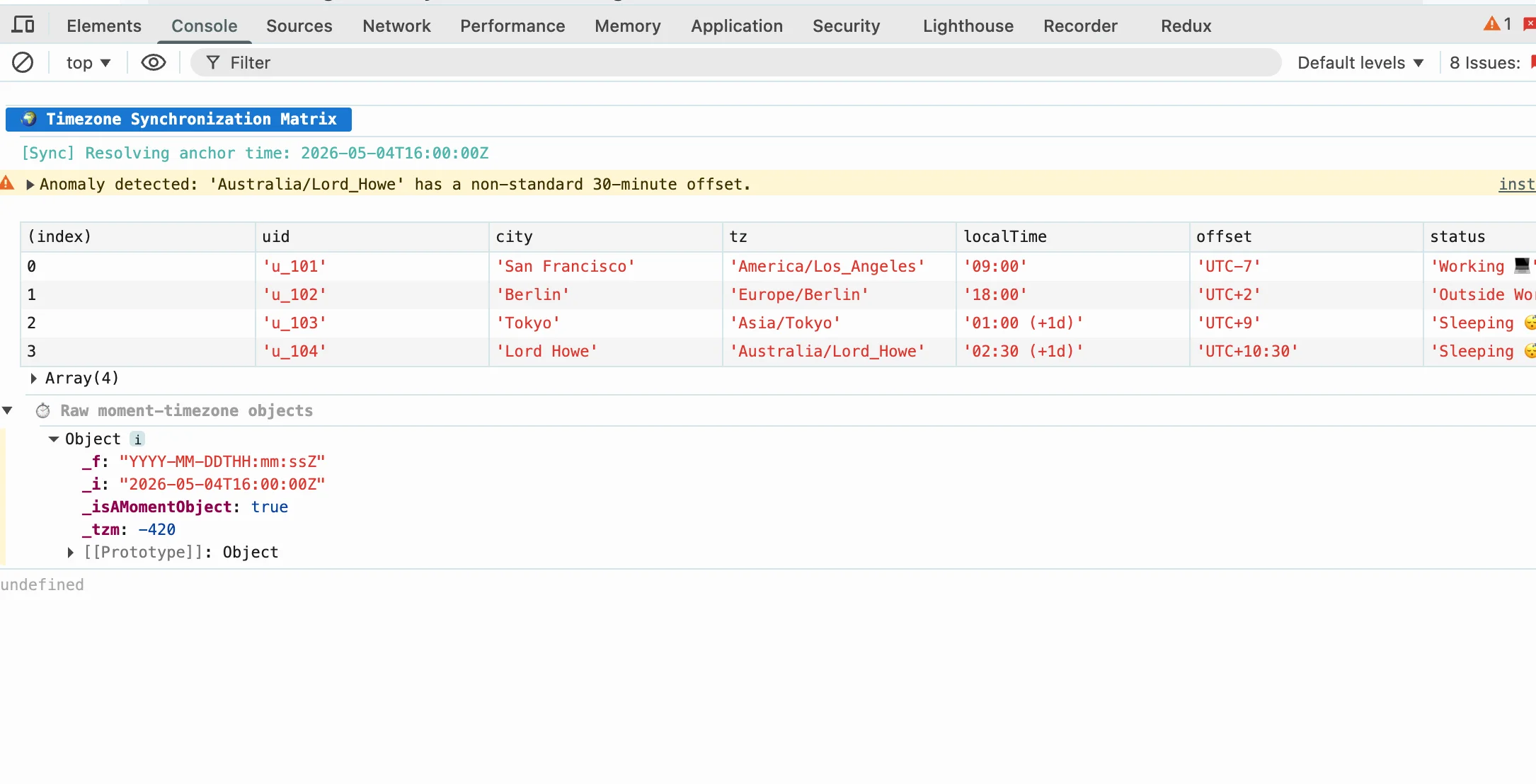
I find the heatmap most useful for setting expectations. When someone in Tokyo suggests a 9am call with Berlin, I can show them the heatmap and explain why that's asking someone to start work at 4am.
Things I've Learned About Distributed Teams
After years of managing teams across timezones, here's what I've figured out:
- Rotate the pain. If the Tokyo team takes late calls this week, flip it next week. Same people should not always stay late just because they happen to be in a later timezone.
- Document the timezone explicitly."3pm" means nothing when half your team is in Europe. Write "3pm JST / 10pm PST" and avoid confusion entirely.
- Default to async.Not every decision needs a call. A well-written document can replace many meetings. If you're scheduling a call to discuss something, ask first whether that discussion could happen in a shared doc instead.
- Record important calls.People cannot always attend live. Give them a way to catch up without it becoming urgent. But don't record everything—some calls are just check-ins and recording them creates pressure to always be "on."
- Set boundaries.When your team is global, the temptation is to have "core hours" that span everyone. Resist this. It's a fast path to everyone being exhausted.
Real Overlap Examples
Tokyo (JST, UTC+9) + San Francisco (PST, UTC-8): 3 hour overlap at best, typically 8am-11am JST / 4pm-7pm PST. Not terrible, but you feel it on Friday evenings when 7pm PST means midnight in Tokyo.
London (GMT/BST) + New York (EST/EDT): 5-6 hours overlap. Much more manageable. Most 9am-6pm meetings work for both sides. This is why London-NYC teams tend to work better than transpacific ones.
Singapore (SGT, UTC+8) + Berlin (CET/CEST): about 7 hours difference. Morning calls for Europe mean evening for Asia, or vice versa. Very rough without significant schedule changes on at least one side.
Berlin + New York: the sweet spot. Berlin is 6 hours ahead of NYC in winter, 7 in summer. That gives you from mid-morning NYC (early afternoon Berlin) to end of day NYC (late evening Berlin). Almost perfect overlap for a standard workday.
The Async-First Approach
The real solution is not finding the perfect meeting time—it is reducing how many meetings you need. When teams go fully async, timezone differences stop being a blocker. I worked with one company that had teams in Tokyo, Berlin, and NYC. They scheduled maybe two meetings per week that required real-time attendance, and those were always at 10am NYC time when Tokyo was heading home and Berlin was on lunch.
This does not mean no meetings ever. It means defaulting to written communication, making decisions in documents, and only calling when you need the back-and-forth of real-time discussion. If you can't write it down, maybe then you need a call.
The culture shift is hard. People feel like they're "not collaborating" if they're not in calls together. But most collaboration happens between calls, in written form. The calls just need to be for the decisions that genuinely require real-time discussion.
Practical Tips
Use shared calendars with timezone visibility. Google Calendar shows both local and remote times when you hover. This sounds obvious but has saved me countless "wait, was that 9am your time or mine?" moments.
When you do schedule calls, do it in batches. If you need to talk to Tokyo, try to handle all Tokyo-related items in one call rather than spreading them across the day. Each context switch has a cost.
Document your team's "working hours" precisely. Not "9-5" but actual hours when people are at their desks and responsive. Someone who works 7am-3pm has different overlap possibilities than someone who works 11am-7pm, even if both say they're "9-5."
Written by Bai Shuang, a full-stack engineer with 16 years of Java/JavaScript experience, 10 years of Scala, and 8 years specializing in privacy-focused tools.
GitHub: @oldbig. Open source project: redux-lite - A lightweight React state management solution.